Swiggy Spend & Budget Tracking
Quick Answer
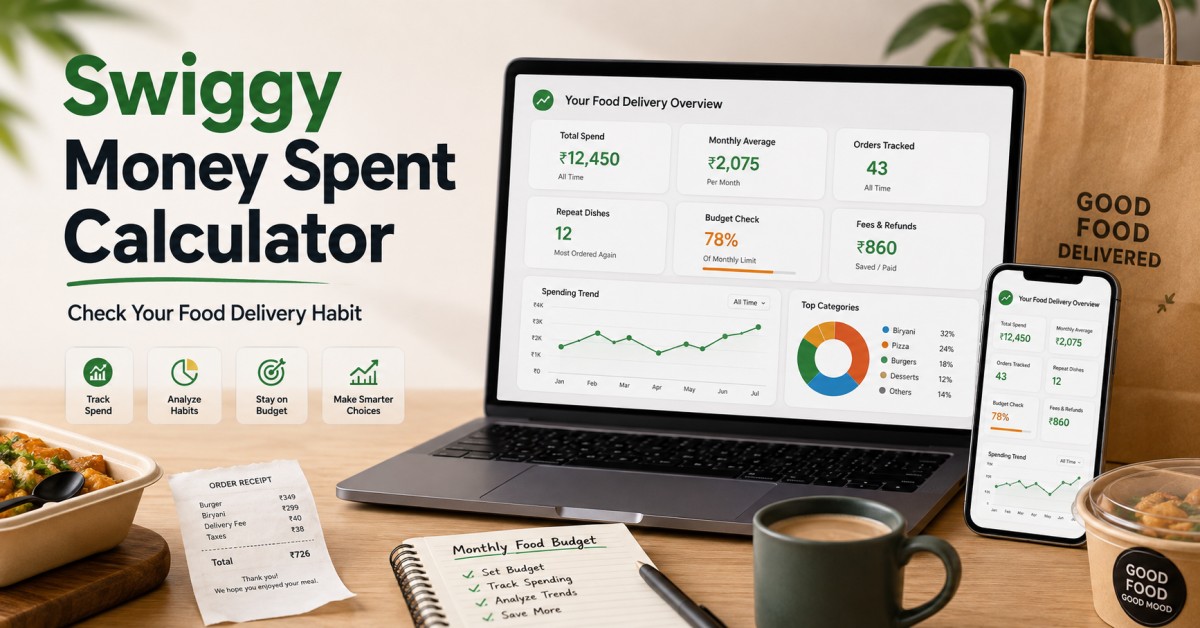
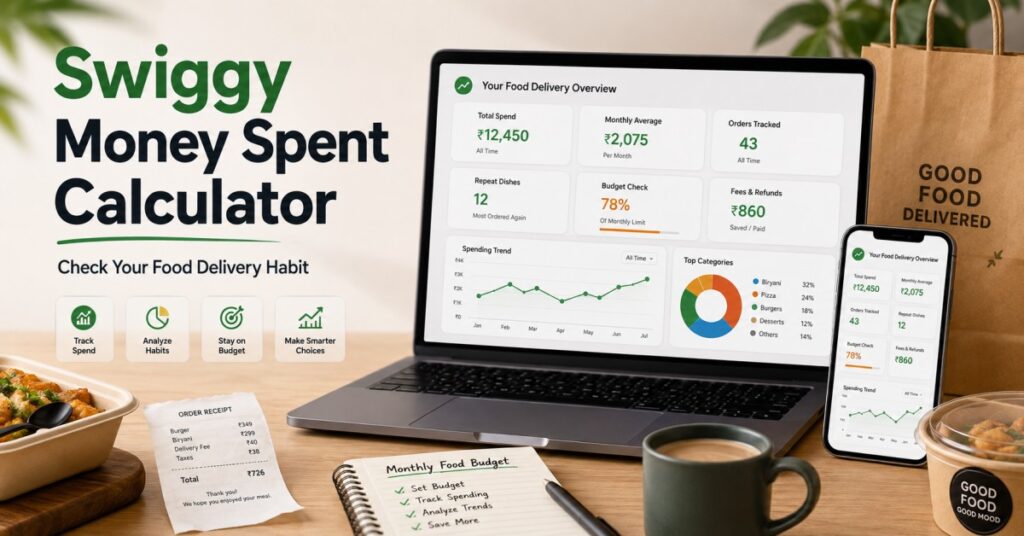
A Swiggy money spent calculator helps you check how much you have spent on food delivery by using your order history, total orders, monthly average, delivery charges, platform fees, and repeat dishes. If you want the quickest overall method first, start with Fooddy’s food delivery spending calculator guide.
Most people think they spend “just a little” on food delivery.
Then they check the actual number.
That is why this topic works so well. Users do not only want a total. They want to understand their food habit — how often they order, how much they spend per month, whether fees are increasing the total, and which dishes they keep repeating.
This guide helps you calculate your Swiggy spending clearly and turn that number into useful budget insights.
₹
Check your actual Swiggy spend, not just order prices.
Avg
Monthly average helps you spot food budget pressure.
Habit
Repeat dishes and order frequency reveal your pattern.
Table of Contents
What Does a Swiggy Money Spent Calculator Show?
A good Swiggy money spent calculator should not stop at one big number.
It should help you understand:
- Total money spent on Swiggy
- Monthly average spend
- Number of orders placed
- Average order value
- Repeat dishes or repeat restaurants
- Extra costs like delivery and fees
- How your spending habit is changing
Best use case
This is not only for curiosity. It is useful for students, working professionals, hostel users, and frequent food-ordering users who want to control their budget.
How to Calculate Swiggy Money Spent
The easiest method is to review your Swiggy order history and turn it into a spend summary.
Open your Swiggy order history
Review past orders from your account. Focus on delivered orders, not cancelled ones.
Add order totals together
Count the final paid amount from each order instead of menu value alone.
Break spend into months
Monthly grouping makes the number more useful than a single lifetime total.
Check average order value
This shows whether you order frequently in small amounts or less often with bigger bills.
Review repeat dishes and order habits
Frequent repeat orders often explain where the total spend builds up.
If you want a more specific walkthrough, Fooddy’s calculate Swiggy spending guide explains the process in a more direct step-by-step way.
What Should Be Included in Your Swiggy Spend Total?
Many users undercount their food delivery spend because they only remember item prices.
| Include This | Why It Matters | Keep or Skip? |
|---|---|---|
| Final paid amount | This is your real spend | Keep |
| Delivery fee | It adds up over time | Keep |
| Platform / convenience fee | Often forgotten in budget math | Keep |
| Taxes | Part of total payment | Keep |
| Refunded or cancelled orders | Can distort the total | Review carefully |
| Discounts | Use actual paid value, not pre-discount menu value | Adjust properly |
Important
If you calculate using only menu prices, your real Swiggy money spent total will usually look lower than the truth.
Turn Your Swiggy Spend Into a Food Habit Audit
The best part of this keyword is not only the calculator result. It is what the number tells you.
Monthly average
This tells you whether Swiggy is becoming a regular budget line instead of an occasional expense.
Average order value
A high average order may mean premium meals. A low average with many orders may mean habit-driven spending.
Repeat dishes
If the same foods keep showing up, you may have a convenience habit rather than a food discovery pattern.
Budget check
Compare your Swiggy spend with your monthly food budget. That shows whether ordering is under control or quietly getting expensive.
If you mostly use mobile and want a phone-first method, Fooddy’s Swiggy spending calculator on mobile guide is useful.
Swiggy vs Zomato Spend: Why This Comparison Matters
Many users do not order from one app only. That is why a Swiggy money spent number becomes more useful when compared with your Zomato habit.
For example, if your Swiggy monthly total is lower but your order count is higher, your pattern is very different from someone who places fewer but larger orders on Zomato.
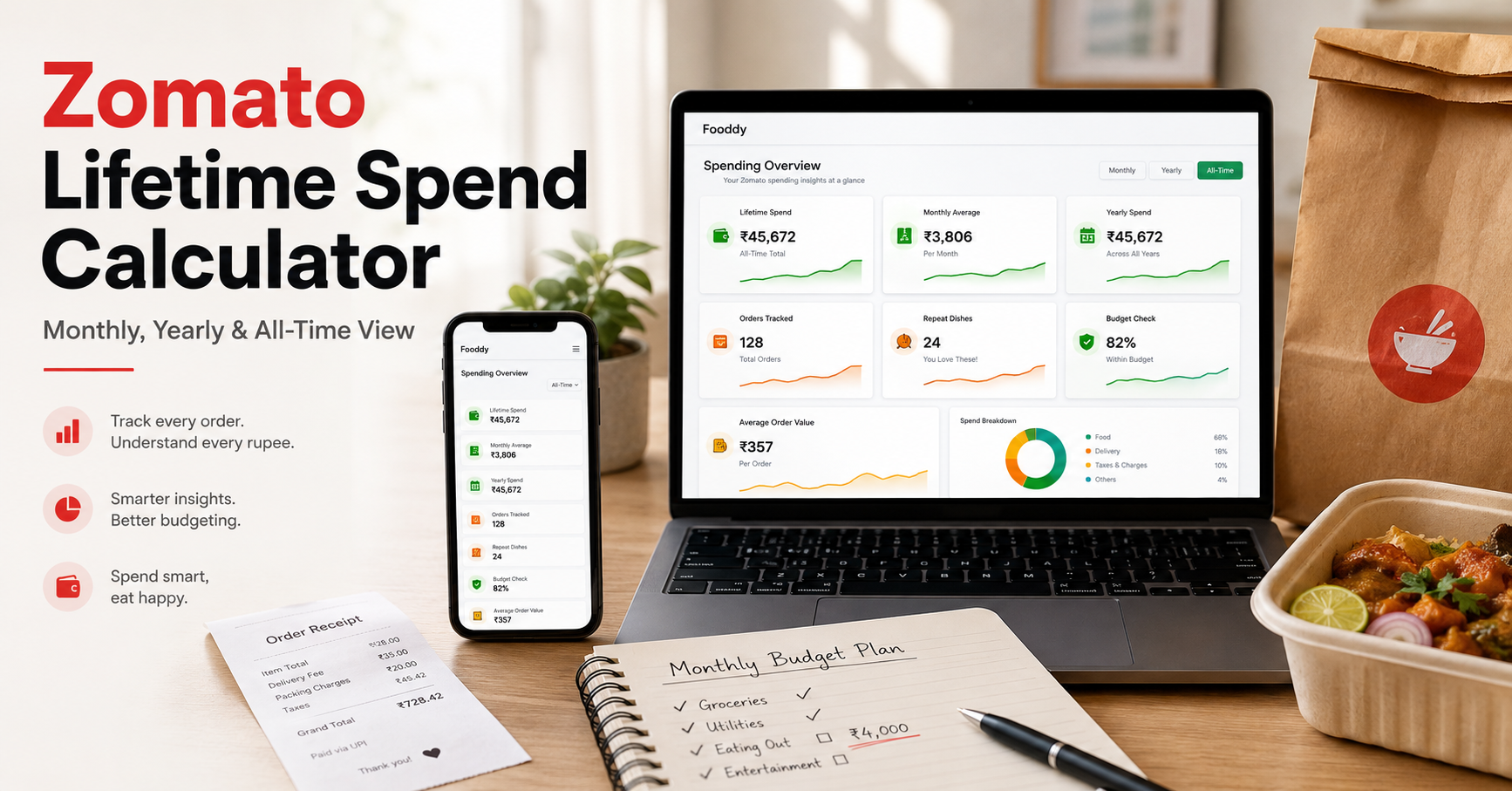
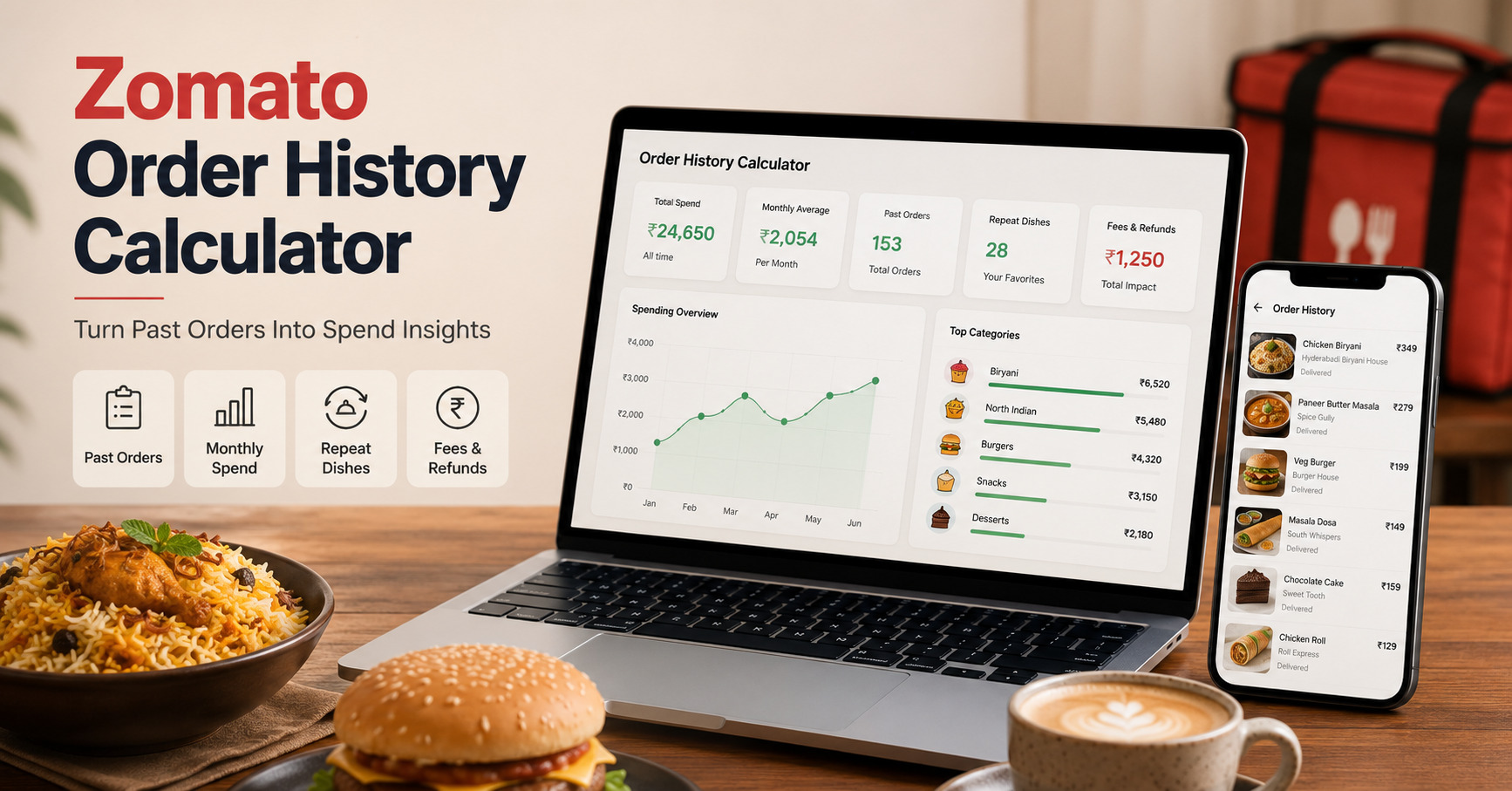
To compare, use Fooddy’s Zomato money spent calculator, Zomato order history calculator, and Zomato spending calculator mobile pages.
Common Mistakes While Checking Swiggy Money Spent
Mistake 1: Counting only item prices
Fees, taxes, and delivery charges are part of the real total.
Mistake 2: Ignoring cancelled or refunded orders
These can make your number look too high or too low if handled badly.
Mistake 3: Looking only at lifetime spend
Monthly or weekly trends are more useful for budget control.
Mistake 4: Not studying repeat habits
The total amount matters, but repeat foods and order frequency explain why that total happened.
Fooddy Tip
The smartest way to use a Swiggy money spent calculator is not just to check the number once. Use it to review monthly trend, order frequency, repeat foods, and your actual delivery-driven food habit.
FAQs
What is a Swiggy money spent calculator?
It is a method or tool that helps you calculate how much money you have spent on Swiggy using your order history and spend details.
How can I check how much I spent on Swiggy?
Review your order history, add final paid values, separate them by month, and include delivery fees, taxes, and other charges.
Does Swiggy money spent include delivery charges and fees?
A proper total should include the final amount you actually paid, including delivery fee, platform fee, and taxes.
Should refunded orders be counted?
Refunded or cancelled orders should be reviewed carefully. Use the actual settled payment amount, not just the original order total.
Why is monthly average more useful than total spend?
Monthly average helps you understand whether your Swiggy habit is under control or becoming a recurring budget issue.
Can I compare Swiggy spend with Zomato spend?
Yes. Comparing both platforms can show where your food budget really goes and which app you use more heavily.
Conclusion
A Swiggy money spent calculator is not just a curiosity tool. It is a practical way to check your food delivery habit.
When you review total spend, monthly average, fees, refunds, repeat dishes, and order frequency together, you get a much clearer picture of your food budget. That is what makes the result actually useful.