Quick Answer
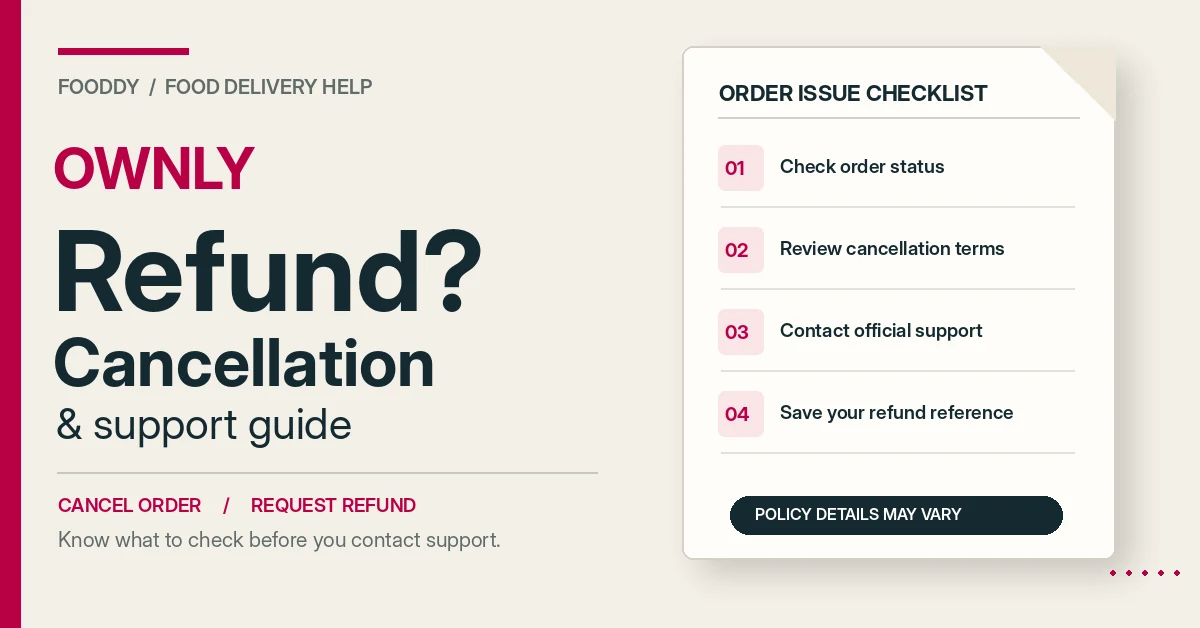
To request an Ownly refund in India, keep your order number, payment details and evidence of the problem. Use the order’s help option, if available, or contact Ownly at +91 9611771617 or support@ownly.food. Ask support to confirm whether cancellation or a refund is approved, the amount and the expected processing time.
Ownly Refund Policy – What Is Actually Confirmed?
Ownly, Rapido’s food delivery platform, provides official customer contact channels. But a complete public policy explaining every cancellation fee, refund condition and processing deadline was not available from the official sources checked on 27 October 2026.
That doesn’t mean you cannot request a refund. It means you should avoid relying on fixed refund promises that the company has not publicly confirmed.
| Question | What We Can Confirm |
|---|---|
| Can I request cancellation? | You can contact Ownly about cancelling an order. App options and eligibility need confirmation. |
| Will I get a full refund? | Not guaranteed. Ownly must confirm eligibility and amount. |
| Is there a cancellation fee? | No universal official fee could be verified. |
| How long does a refund take? | No verified universal processing timeframe. |
| Can I report missing or wrong food? | Ownly provides contact channels for order-related support. |
| Where can I contact support? | Official contact page, published phone number and grievance email. |
Be careful with policies from websites with similar names. Rapido’s Ownly food delivery service is not the same business as Ownerly or Ownly Club.
How to Cancel an Ownly Order
If you’ve ordered the wrong dish, selected the wrong address or changed your mind, act quickly. Restaurant preparation may already have started.
Step 1 – Open Your Order Details
Open the Ownly app using the account that placed the order. Find the active order and check its status.
Expected result: You can identify the order and see the information currently available about it.
Step 2 – Look for a Cancellation or Help Option
Check whether the order screen displays a way to cancel or request assistance. The exact controls must be confirmed in the current Ownly app.
Expected result: Either a cancellation option appears, or you know you need to contact support.
Step 3 – Read Any Cancellation Conditions
If cancellation is offered, review the terms displayed before confirming. Check whether the app mentions a charge or refund amount.
Don’t assume that submitting a cancellation request means your order has already been cancelled.
Expected result: You understand the conditions shown for your specific order.
Step 4 – Contact Ownly if Cancellation Is Unavailable
Visit Ownly’s official contact page if you cannot complete the request inside the app.
Share your order reference, the reason for cancellation and ask whether the order can still be stopped.
Expected result: Your request reaches an official contact channel.
Step 5 – Save the Response
Keep the cancellation confirmation, support message or complaint reference for your records.
Expected result: You have evidence of what Ownly confirmed.
File: ownly-order-cancellation-screen.webp
Alt: Ownly order status and cancellation help options in the food delivery app
How to Request an Ownly Refund for a Food Order
If your food never arrived, an item is missing or the delivered order is incorrect, explain the specific problem rather than sending only a general request for a refund.
- Find the order number. Save the restaurant name, order date and payment amount.
- Identify the problem. Explain whether food was missing, incorrect, damaged or not delivered.
- Collect evidence. Keep relevant photos, the order summary and transaction details.
- Contact Ownly. Use any available order-help feature or the official support channels.
- Ask for a decision. Confirm whether a full or partial refund is approved and where it will be sent.
- Save the response. Keep any complaint or refund reference.
After submitting the request, the expected result is an acknowledgement or response from support. It is not necessarily immediate refund approval.
Wrong Food Delivered
For example, if you ordered a vegetarian meal but received a different item, compare the delivery with your original order and document the difference.
Clearly state which item you ordered and which item arrived. If your concern involves dietary restrictions or allergies, explain that too.
Missing Item in an Ownly Order
Check the bill and list the items that did not arrive. If you ordered three dishes and received only two, name the missing item rather than just saying the order was incomplete.
Food Quality or Damaged Packaging
Take clear photos where practical. If you believe the food is unsafe, do not eat it simply to prove that something is wrong.
Describe the condition of the food and packaging, and ask Ownly what evidence it needs to review the complaint.
File: ownly-refund-request-help.webp
Alt: Ownly refund request and order support options for a food delivery problem
Ownly Refund Eligibility – Common Order Problems
These are situations customers may need help with. The table does not promise a particular refund outcome.
| Order Problem | What to Request | Eligibility Status |
|---|---|---|
| Cancelled before preparation | Cancellation and refund review | Confirm with Ownly |
| Cancelled after restaurant acceptance | Explanation of applicable charges | Confirm with Ownly |
| Restaurant cancelled | Payment and refund status | Confirm with Ownly |
| Order not delivered | Non-delivery investigation | Subject to review |
| Wrong food delivered | Replacement or refund review | Subject to review |
| Missing item | Missing-item resolution | Subject to review |
| Food quality issue | Complaint review with evidence | Subject to review |
| Payment deducted, order not confirmed | Transaction investigation | Requires payment check |
Ownly Refund Status – How to Check Your Money
When support says a refund has been approved, ask for the exact amount and how the money will be returned.
Keep these details:
- Order and complaint reference
- Approved refund amount
- Refund destination
- Processing date, if supplied
- Refund or payment reference number
Then check your relevant payment account for the credit.
What if the refund is not received? Ask Ownly whether it was actually processed or is still awaiting action. If processed, request the transaction reference so you can follow up with the payment provider.
A fixed three-day or seven-day refund guarantee could not be verified from Ownly’s official public sources. Don’t rely on those timelines without confirmation for your order.
File: ownly-refund-status.webp
Alt: Ownly refund status and payment confirmation information
Ownly Customer Care Number and Official Support
For customers in India, the following contact information is published by Ownly itself.
| Support Method | Official Detail |
|---|---|
| Contact website | ownly.food/contact |
| Phone | +91 9611771617 |
| Published grievance email | support@ownly.food |
| Typical response guidance | Within 24 hours on business days |
Sources: Ownly’s official contact page and privacy policy, checked on 27 October 2026. The response guidance is not a guaranteed refund resolution time.
You can verify the published grievance contact in Ownly’s privacy policy.
When contacting support, include the order reference and the issue. Never share your OTP, account password, card PIN or other sensitive credentials.
Ownly Refund Not Received or Order Not Cancelled?
| Problem | What to Check | Next Step |
|---|---|---|
| Cancel option missing | Order status | Contact official support |
| Cancellation request pending | Support acknowledgement | Ask whether cancellation was accepted |
| Refund not received | Approval and payment status | Request transaction reference |
| Money deducted, no confirmed order | Payment receipt and transaction ID | Report payment discrepancy |
| Support not responding | Previous complaint details | Follow up and consider formal escalation |
When These Steps Will Not Work
These instructions help you request assistance, but they cannot change Ownly’s actual refund rules.
- A completed order may not be eligible for cancellation.
- An unsupported claim may not result in a refund.
- A request does not prove that a refund has been approved.
- A payment issue may need investigation by both Ownly and the payment provider.
- Fooddy cannot cancel, refund or investigate Ownly transactions.
How to Escalate an Unresolved Ownly Complaint in India
If your complaint remains unresolved after contacting Ownly, you can use India’s official National Consumer Helpline.
The National Consumer Helpline is operated under the Department of Consumer Affairs and provides a pre-litigation consumer grievance channel.
- Website: consumerhelpline.gov.in
- Telephone: 1915 or 1800-11-4000
- WhatsApp: +91 8800001915
Keep your order confirmation, payment record, correspondence and complaint details before registering a grievance.
Submitting a complaint does not guarantee a refund. It provides a formal route for seeking resolution.
Frequently Asked Questions
Can I cancel an Ownly order after placing it?
You can request cancellation using any available order-help option or by contacting Ownly support. Whether the order can be cancelled depends on its status and the applicable terms. No universal official cancellation deadline or fee was verified. Ask Ownly to confirm whether cancellation was accepted and whether a refund applies.
How do I get a refund from Rapido Ownly?
Keep your order number, payment record and evidence of the problem. Contact Ownly through its official support channels and explain what went wrong. Ask whether the case qualifies for a full or partial refund. Approval, amount and processing time should be confirmed by the company rather than assumed.
How long does an Ownly refund take?
There was no publicly verified universal refund-processing deadline in the Ownly sources checked. If your request is approved, ask support for the amount, refund destination and expected processing date. Keep any refund reference. If the stated period passes, contact Ownly and the payment provider with that reference.
What is the Ownly customer care number?
Ownly’s official contact page lists +91 9611771617. Its privacy policy lists support@ownly.food for grievances. Include your order number and a brief explanation when contacting support. Do not share OTPs or payment passwords. The website gives typical business-day response guidance, not a guaranteed resolution deadline.
What if my Ownly refund is not received?
First check whether Ownly has approved the refund or is still reviewing your complaint. If approved, ask for the amount, payment destination and transaction reference. Check your payment account and follow up with support. For unresolved consumer complaints in India, you can contact the National Consumer Helpline.
Final Takeaway
If you need to cancel an Ownly food order or request a refund, start with the order details and contact support as soon as possible.
Keep the order reference, explain the problem clearly and save the response. Don’t assume cancellation is free or that a submitted refund request has already been approved.
For general ordering help, see Fooddy’s Rapido food delivery in Hyderabad guide.