Fooddy Extension & Swiggy Spend
Quick Answer
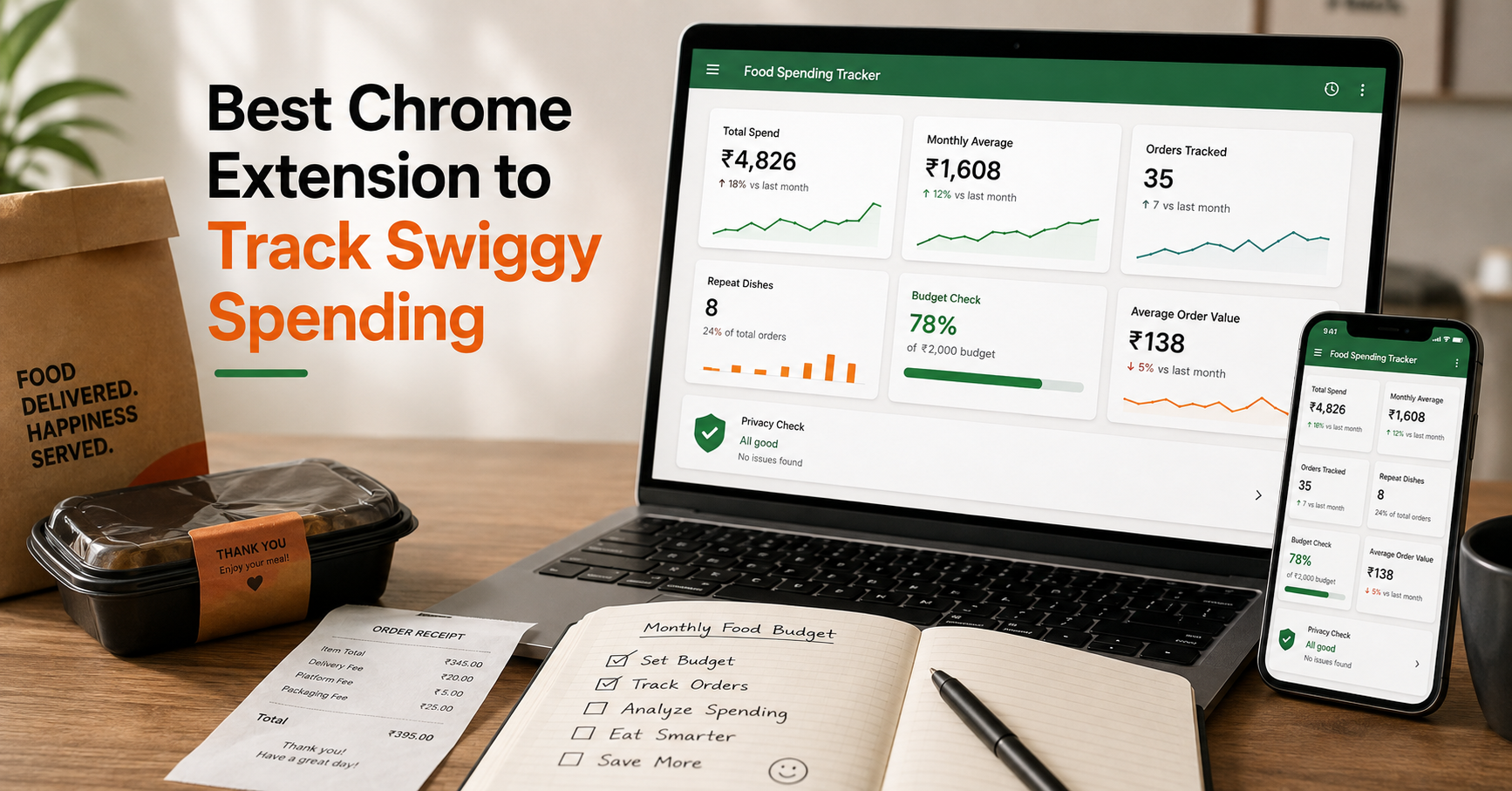
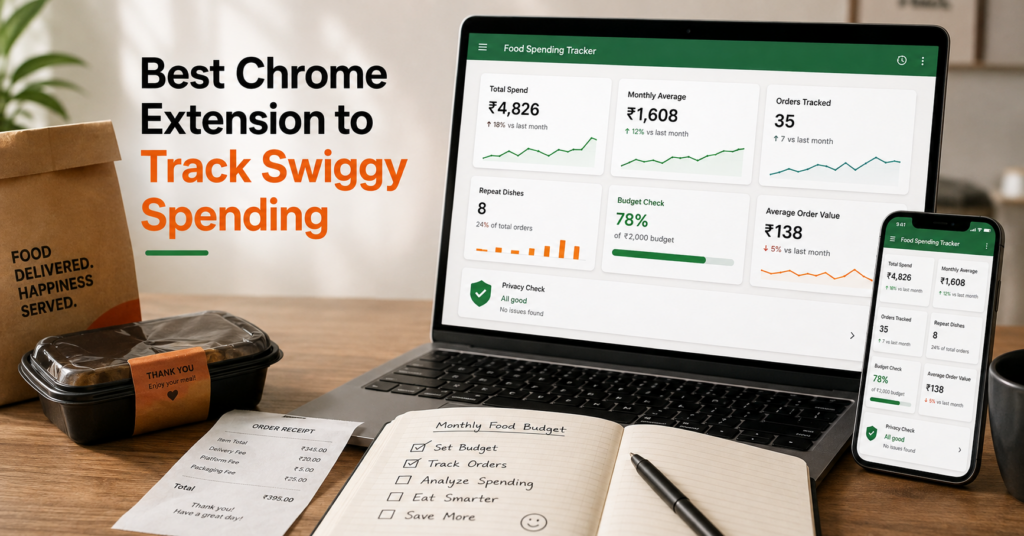
The best Chrome extension to track Swiggy spending should show your total spend, monthly average, order count, average order value, repeat dishes, and budget pattern without making the process confusing. Fooddy is built for this exact use case. If you want a broader starting point, read Fooddy’s food delivery spending calculator guide first.
Most Swiggy users know they order often. Very few know the real number.
A Chrome extension makes that number easier to check because it can read your visible order history in the browser and turn it into a spend summary.
But the best extension is not only about showing a large total. It should help you understand your food delivery habit: how often you order, how much you spend each month, which foods repeat, and whether fees are quietly increasing your bill.
₹
Track actual Swiggy spend, not guesswork.
Avg
Monthly average shows your real food habit.
Safe
Check privacy, permissions, and supported apps before installing.
Note: Spend results can vary depending on visible order history, loaded orders, refunds, cancelled orders, and how the extension calculates final paid values.
Table of Contents
Why Use a Chrome Extension to Track Swiggy Spending?
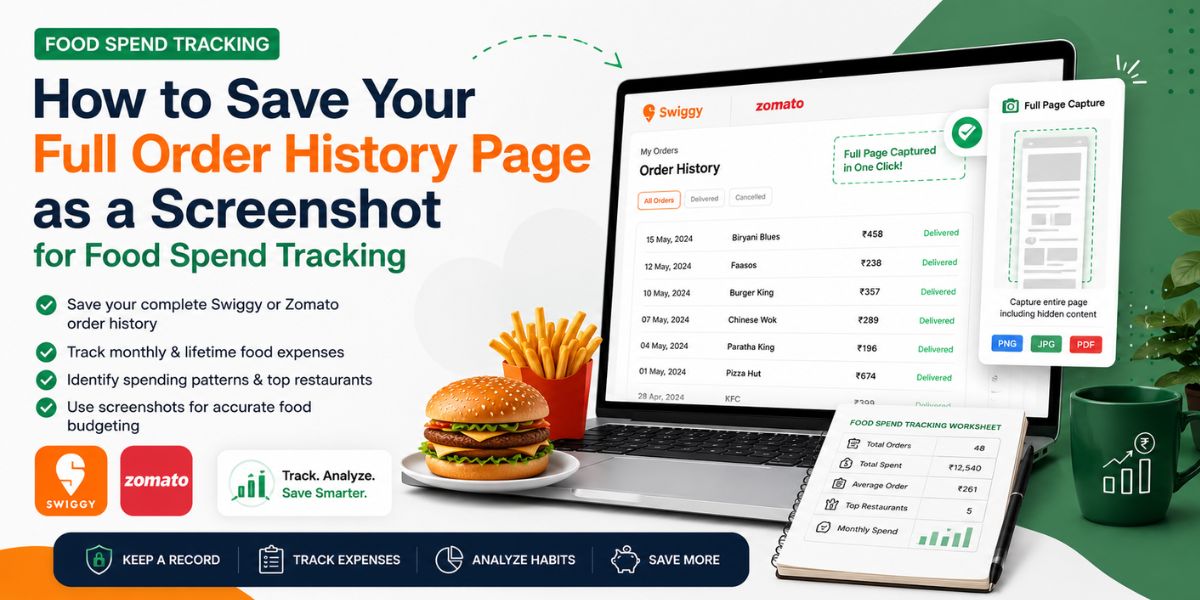
Manual calculation is slow. You need to open old Swiggy orders, check every final amount, add fees, handle refunds, and then group the numbers by month.
A Chrome extension can make this easier by turning visible order history into a cleaner dashboard.
- Total Swiggy spend
- Monthly average spend
- Total orders tracked
- Average order value
- Repeat dishes and restaurants
- Fees, taxes, and final paid amount
- Budget check for frequent ordering
Best use case
Use a Swiggy spending Chrome extension when you want a quick budget audit without manually adding every order one by one.
If you only want the basic calculation steps, Fooddy’s calculate Swiggy spending guide is the simplest starting point.
Best Features to Look For in a Swiggy Spending Extension
Do not install an extension only because it says “spending calculator”. Check what it actually helps you understand.
| Feature | Why It Matters | Fooddy Angle |
|---|---|---|
| Total spend | Shows your overall Swiggy money spent. | Use it as the main budget number. |
| Monthly average | Helps identify recurring food delivery habit. | Best for budget control. |
| Order count | Shows how frequently you order. | Useful for habit tracking. |
| Average order value | Shows whether you overspend per order. | Helps separate frequent ordering from expensive ordering. |
| Repeat dishes | Reveals food habits and cravings. | Good for habit-based insights. |
| Privacy clarity | Spend data is personal. | Check permissions before installing any extension. |
How to Use Fooddy to Track Swiggy Spending
The ideal flow should be simple: install, open Swiggy, run the calculator, and review your dashboard.
Install the Fooddy Chrome extension
Add the extension to Chrome and pin it so you can access the calculator quickly.
Open Swiggy in the browser
Make sure you are logged in to the right account before checking order history.
Run the spending check
Let the extension read visible order details and convert them into a spend summary.
Review your spend dashboard
Check total spend, monthly average, order count, repeat dishes, and budget pressure.
If you prefer checking from your phone first, Fooddy’s Swiggy spending calculator on mobile guide explains the mobile-side flow.
Fooddy vs Other Swiggy Spending Extensions
Different extensions focus on different things. Some show food trends, some support multiple apps, and some focus on a simple spend dashboard.
| Extension Type | Good For | Check Before Using |
|---|---|---|
| Fooddy-style spend calculator | Swiggy/Zomato spend visibility, order count, monthly average, budget habit. | Loaded order history, refunds, cancelled orders, and final paid values. |
| Analytics-heavy extensions | Favourite dishes, restaurant preferences, charts, order trends. | Whether Swiggy history limitations affect your result. |
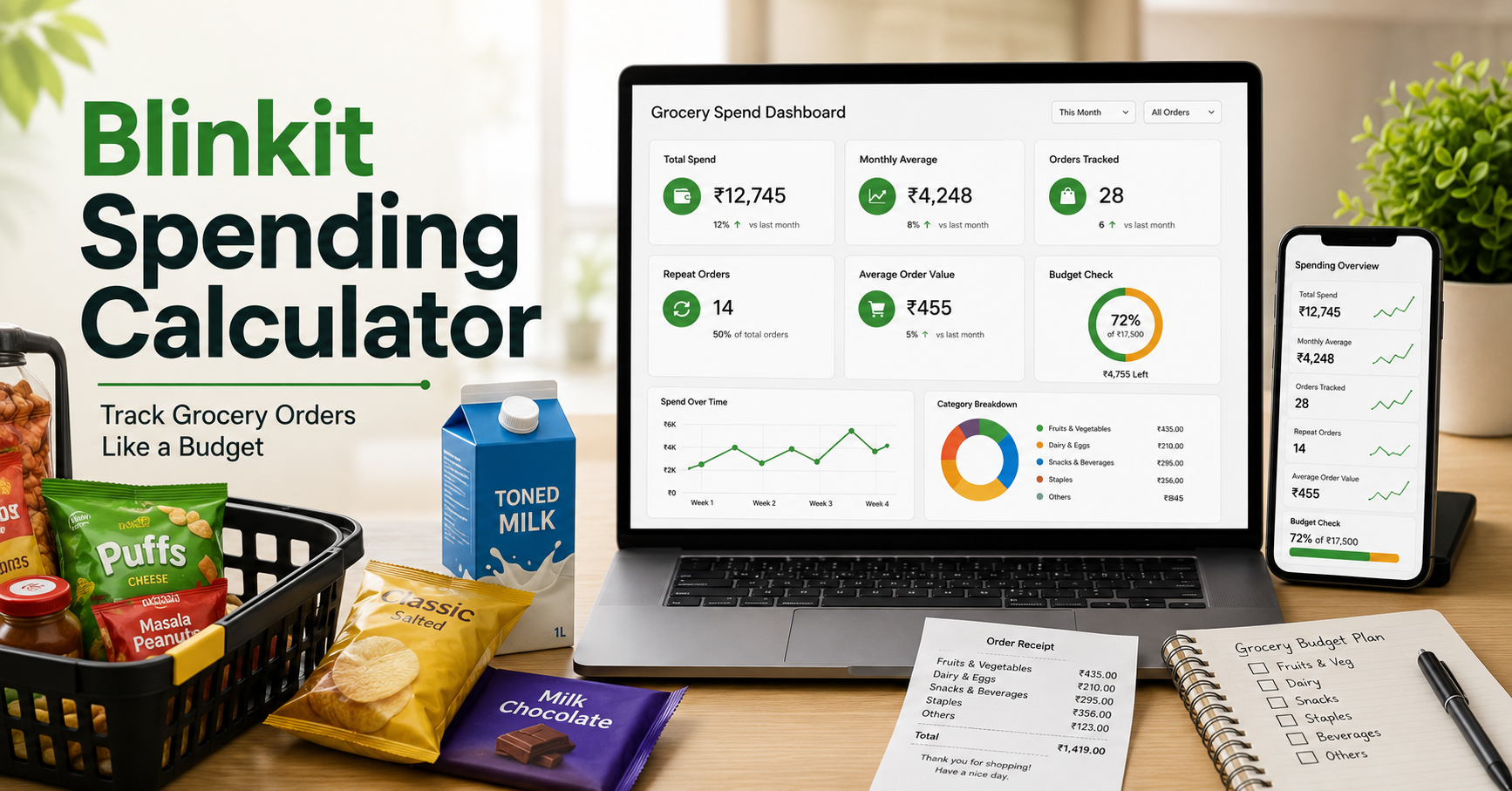
| Multi-platform trackers | Food delivery plus grocery platforms like Blinkit or Zepto. | Supported platforms, privacy policy, and permission scope. |
| Manual spreadsheet method | Users who want full control and no extension. | Takes more time and is easier to miscalculate. |
If you also want to understand Zomato habits, Fooddy’s Zomato money spent calculator and Zomato order history calculator guides help compare both platforms.
Privacy Checks Before Installing Any Spending Extension
Food spending data can reveal personal habits, location patterns, favourite restaurants, and monthly budget behavior. So privacy matters.
Check these before installing
- What permissions does the extension request?
- Does it work only on supported food delivery pages?
- Does it clearly explain what data it reads?
- Does it send data to any server?
- Can you uninstall it easily after checking your spend?
- Are you logged into the correct Swiggy account?
- Does the result depend on visible order history?
Important
Do not install random extensions that ask for broad permissions without clearly explaining why they need them.
Swiggy Spending Extension vs Mobile Method
A Chrome extension is usually better when you want a faster dashboard-style view. The mobile method is useful when you only need a quick manual check.
| Method | Best For | Limitation |
|---|---|---|
| Chrome extension | Dashboard, total spend, order count, monthly average. | Depends on supported pages and visible data. |
| Mobile/manual check | Quick personal review without extension. | Slow for large order history and easy to miscalculate. |
Fooddy also has Zomato-focused mobile support through the Zomato spending calculator mobile guide, which is useful when you want to compare both apps.
Common Mistakes While Tracking Swiggy Spending
Mistake 1: Looking only at lifetime spend
Lifetime spend is interesting, but monthly average is better for budget control.
Mistake 2: Ignoring refunds and cancelled orders
Refunded or cancelled orders can make spend totals look wrong if they are not handled properly.
Mistake 3: Ignoring fees and taxes
Delivery fees, platform fees, taxes, and packaging charges are part of the real spend.
Mistake 4: Not comparing with Zomato
If you use both apps, Swiggy alone does not show your full food delivery budget.
Fooddy Tip
The best Swiggy spending extension should not only show a total. It should help you understand your monthly average, repeat foods, order frequency, and whether food delivery is becoming a budget habit.
FAQs
What is the best Chrome extension to track Swiggy spending?
The best Chrome extension should show total Swiggy spend, monthly average, order count, average order value, repeat dishes, and clear budget insights in a simple dashboard.
Can a Chrome extension calculate my Swiggy spending automatically?
A supported extension can read visible order history in your browser and estimate spend, but the result depends on loaded orders, refunds, cancelled orders, and available data.
Is a Swiggy spending Chrome extension better than manual calculation?
Yes, if you want a faster dashboard-style view. Manual calculation gives control but takes more time and is easier to miscalculate.
What should I check before installing a Swiggy spending extension?
Check permissions, supported apps, privacy notes, whether data leaves your device, and whether the extension explains how it reads order history.
Should Swiggy spending include delivery fees and taxes?
Yes. A real spending total should include the final paid amount, including delivery fees, platform fees, taxes, discounts, and refunds where applicable.
Can I compare Swiggy and Zomato spending?
Yes. Comparing Swiggy and Zomato gives a clearer view of your total food delivery budget and platform-wise habits.
Conclusion
The best Chrome extension to track Swiggy spending should make your food delivery habit easier to understand.
Look for total spend, monthly average, order count, average order value, repeat dishes, fees, refunds, and privacy clarity. If the extension gives you a clean dashboard and helps you make smarter budget decisions, it is doing the job well.