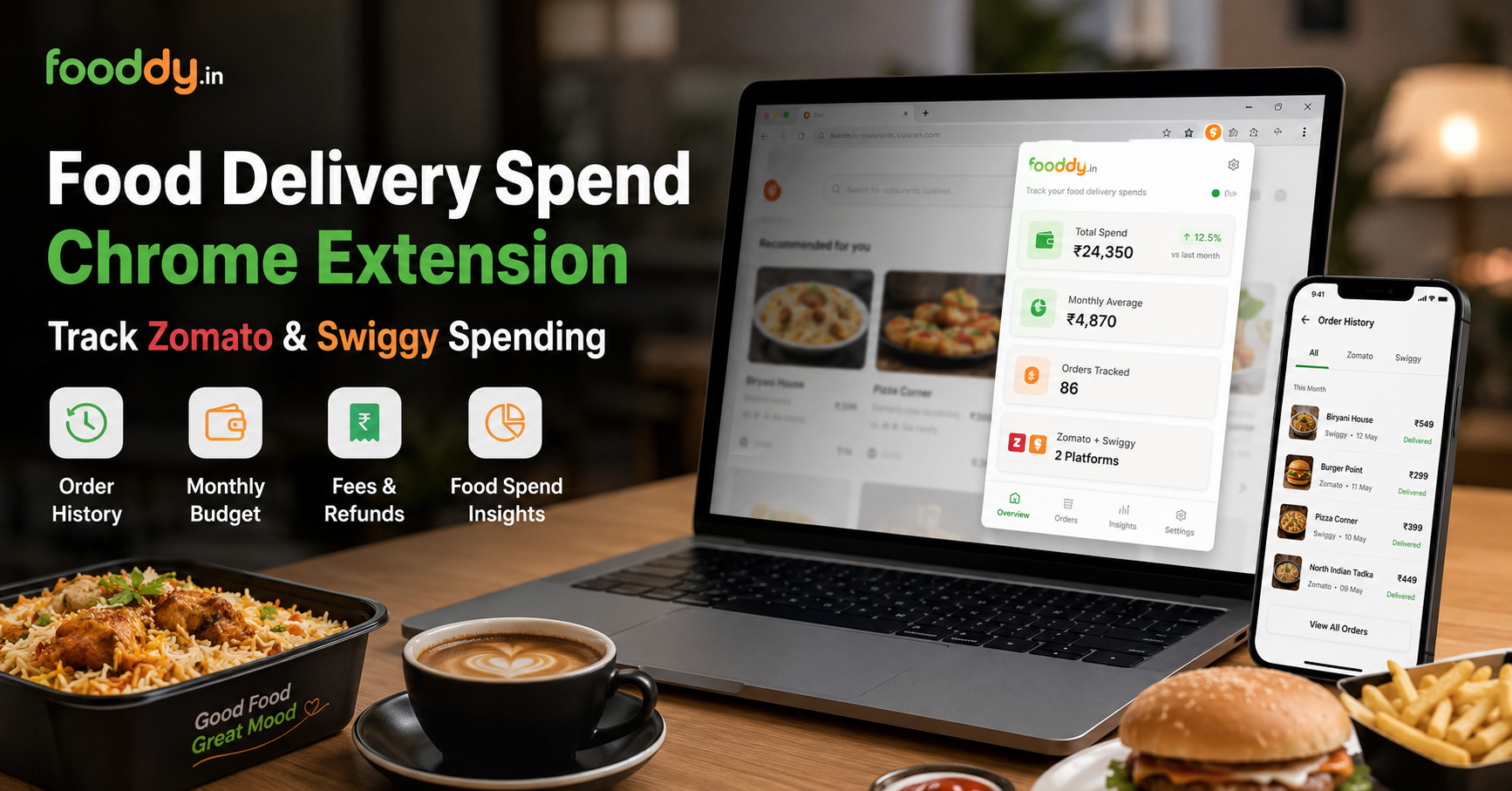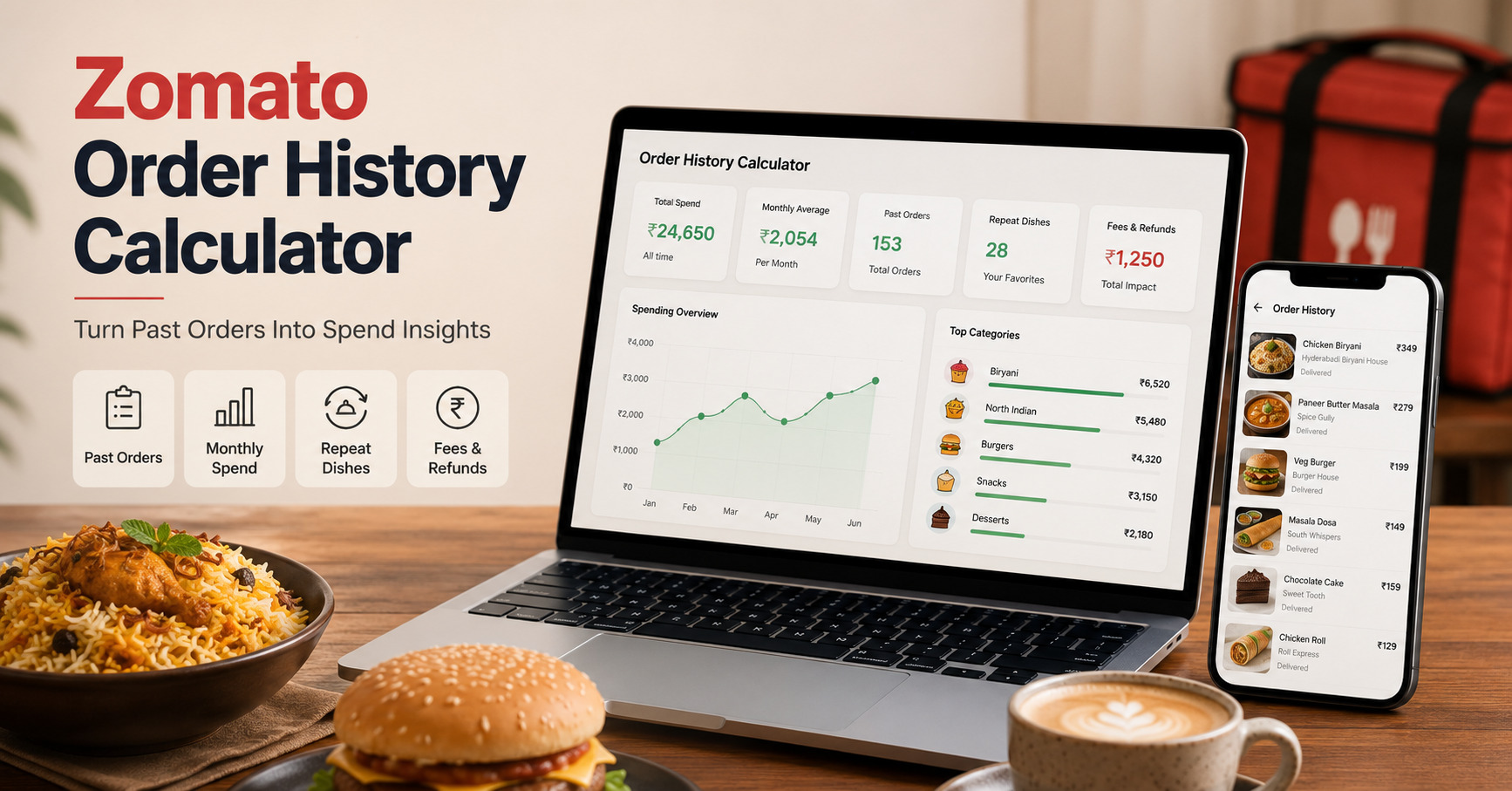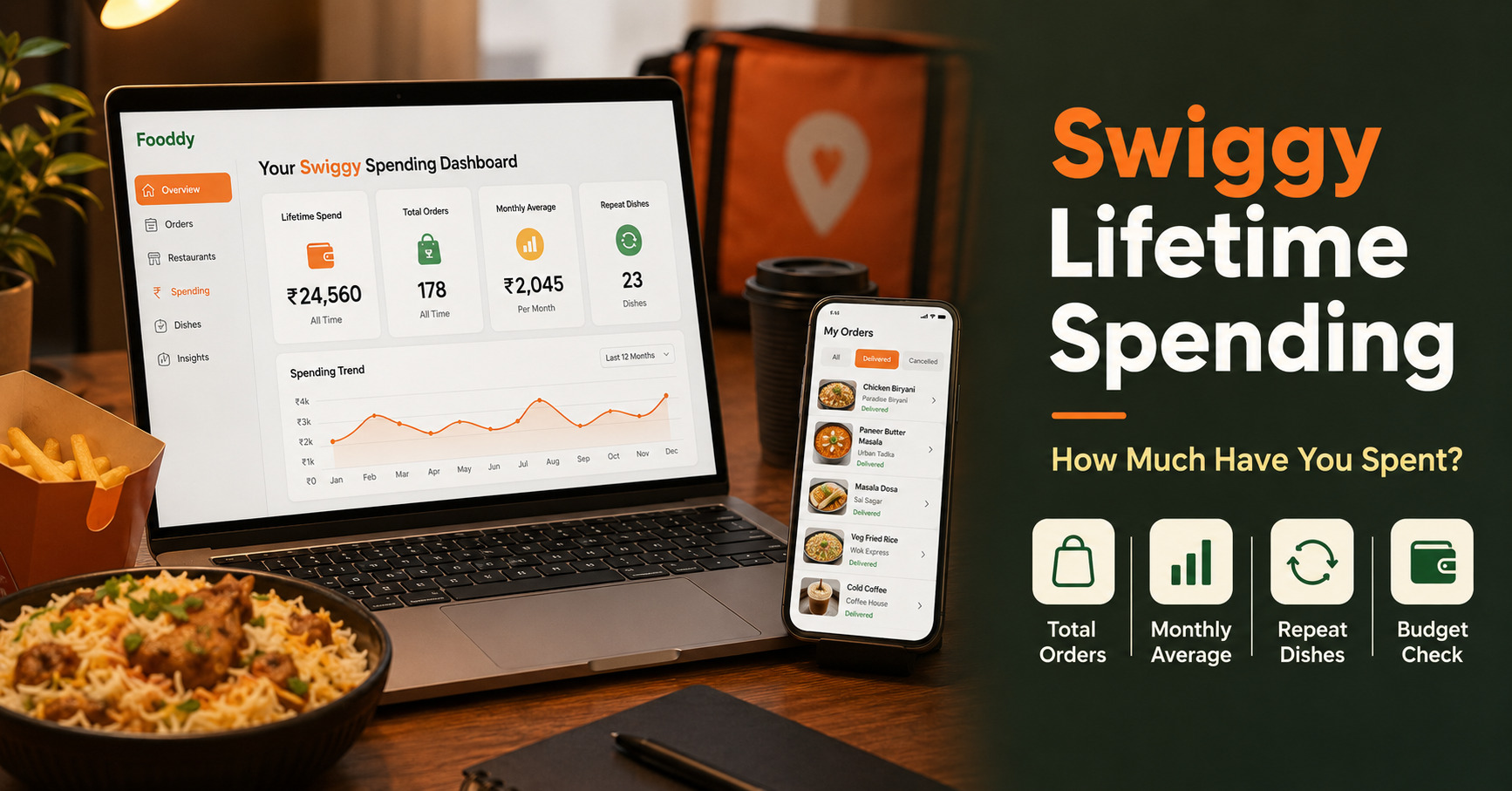
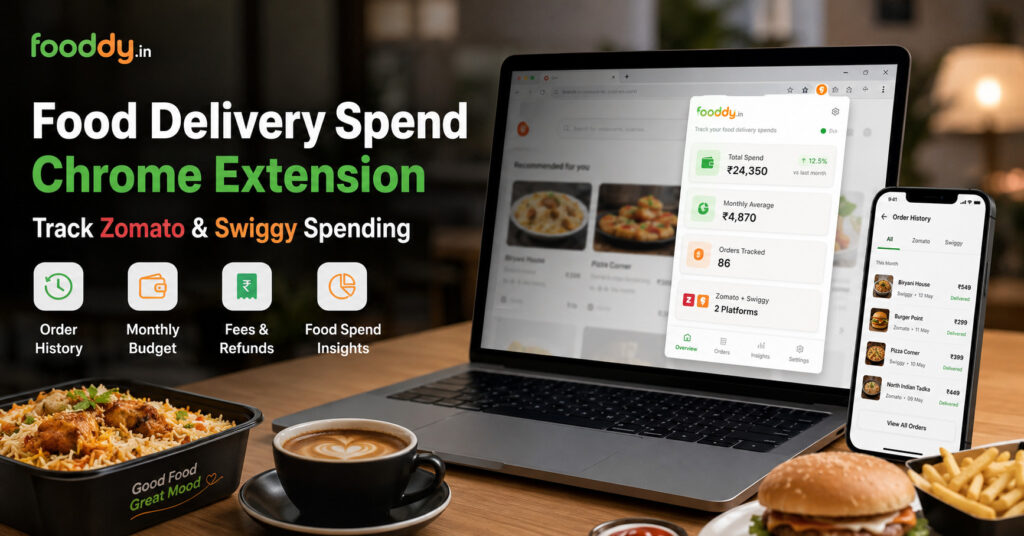
Food delivery spend Chrome extension tools help you check Zomato and Swiggy spending without adding every order manually. For the complete spending method, start with Fooddy’s food delivery spending calculator.
Quick Answer
- Use a Chrome extension if you want faster Zomato and Swiggy spend tracking.
- Fooddy helps calculate food delivery spending from order history.
- Desktop browser usually works better than mobile for full order checks.
- Load old orders properly before trusting the total.
- Check fees, taxes, refunds, and group orders separately.
- Use the final result to set a monthly food budget.
What Is a Food Delivery Spend Chrome Extension?
It is a browser extension that helps calculate your food delivery spending from apps like Zomato and Swiggy.
Instead of opening every old order and adding bills manually, the extension helps you see your spend more clearly.
Best for
- Monthly food budget checks
- Zomato and Swiggy spend tracking
- Repeat order review
- Student or office food expense tracking
- Checking if delivery costs are getting too high
What to Check Before Installing a Food Spend Extension
1. Supported platforms
Check whether the extension supports Zomato, Swiggy, or both. Fooddy is useful for users who want to check food delivery spend across both platforms.
2. Browser support
Chrome extensions usually work best on desktop Chrome or Chromium-based browsers. Normal mobile browsers may not support the same workflow.
3. Order history access
The result depends on visible order history. If old orders are not loaded, your calculated spend may look lower than the real total.
4. Privacy comfort
Before installing any extension, read the Chrome Web Store listing, permissions, reviews, and developer details.
5. What number you actually need
Lifetime spend is interesting, but monthly average is more useful for real food budget planning.
How to Use Fooddy for Food Delivery Spend Tracking
Use this simple flow:
Step 1: Install Fooddy
Add the Fooddy extension from the Chrome Web Store and pin it for quick access.
Step 2: Open Zomato or Swiggy
Log in with the same account you normally use for ordering food.
Step 3: Load order history
Scroll and load older orders if you want a more complete total.
Step 4: Run the spend check
Use Fooddy to calculate total spending and review your food delivery pattern.
Step 5: Turn the number into a budget
Check monthly average, repeat orders, and final paid amount before setting a weekly food limit.
If you are trying this from your phone, read Fooddy’s Zomato spending calculator on mobile and Swiggy spending calculator on mobile guides first.
What Should a Good Food Delivery Spend Extension Track?
| Tracking Feature | Why It Matters |
|---|---|
| Total spend | Shows how much money went into food delivery. |
| Monthly average | Best number for food budget planning. |
| Order count | Shows whether frequency is the real problem. |
| Average order value | Helps you see if each order is becoming expensive. |
| Repeat dishes | Reveals cravings and repeated food habits. |
| Fees and taxes | Final bill is often higher than menu price. |
Extension vs Manual Addition: Quick Comparison
| Method | Best For | Main Issue |
|---|---|---|
| Manual bill addition | Few recent orders | Slow and easy to miss fees or refunds |
| Bank statement | Payment-level audit | Does not show dishes or restaurants clearly |
| Chrome extension | Fast Zomato and Swiggy spend tracking | Order history must be loaded correctly |
Common Mistakes Before Installing or Using a Spend Extension
Mistake 1: Not checking permissions
Read the listing and permissions before installing any Chrome extension.
Mistake 2: Expecting mobile to work the same way
Most Chrome extension workflows are better on desktop browsers.
Mistake 3: Not loading older orders
If order history is incomplete, your total spend may be incomplete too.
Mistake 4: Ignoring refunds and group orders
Refunded, cancelled, office, or hostel group orders can make totals confusing.
How to Use Extension Results for a Better Food Budget
- Check monthly average: More useful than lifetime spend.
- Set a weekly cap: Example: ₹1,000 per week for food delivery.
- Review repeat dishes: One comfort food can become a big monthly cost.
- Watch small orders: Delivery and platform fees make small orders expensive.
- Compare Zomato and Swiggy: Your real food budget may be split across both apps.
- Use alternatives for daily meals: Keep food delivery for planned orders, not every meal.
If food delivery is becoming daily, compare it with Fooddy’s top tiffin services in Bangalore or budget-friendly cafes in Bangalore.
Use Fooddy to Track Food Delivery Spend
Fooddy helps you check Zomato and Swiggy spending, understand repeat food habits, and turn order history into a clear food budget.
FAQs
What is a food delivery spend Chrome extension?
It is a browser extension that helps calculate food delivery spending from order history on platforms like Zomato and Swiggy.
Can Fooddy track both Zomato and Swiggy?
Yes. Fooddy is useful for checking food delivery spending across Zomato and Swiggy.
Is a Chrome extension better than manual addition?
Yes, if you have many orders. Manual addition works only for a small number of recent orders.
Why is my spending total incomplete?
Your order history may not be fully loaded, you may be using another account, or refunds and group orders may need manual review.
Can I use a food spend Chrome extension on mobile?
Most Chrome extension workflows work better on desktop. Mobile order history may be harder to load and review fully.
What should I check before installing an extension?
Check supported platforms, permissions, reviews, developer details, update history, and whether the extension matches your browser.
Conclusion
A food delivery spend Chrome extension is useful when you want a faster way to check Zomato and Swiggy spending.
Before installing, check supported apps, browser compatibility, permissions, order-history limits, and privacy comfort. Then use Fooddy to turn your delivery history into a clear monthly food budget.
“`